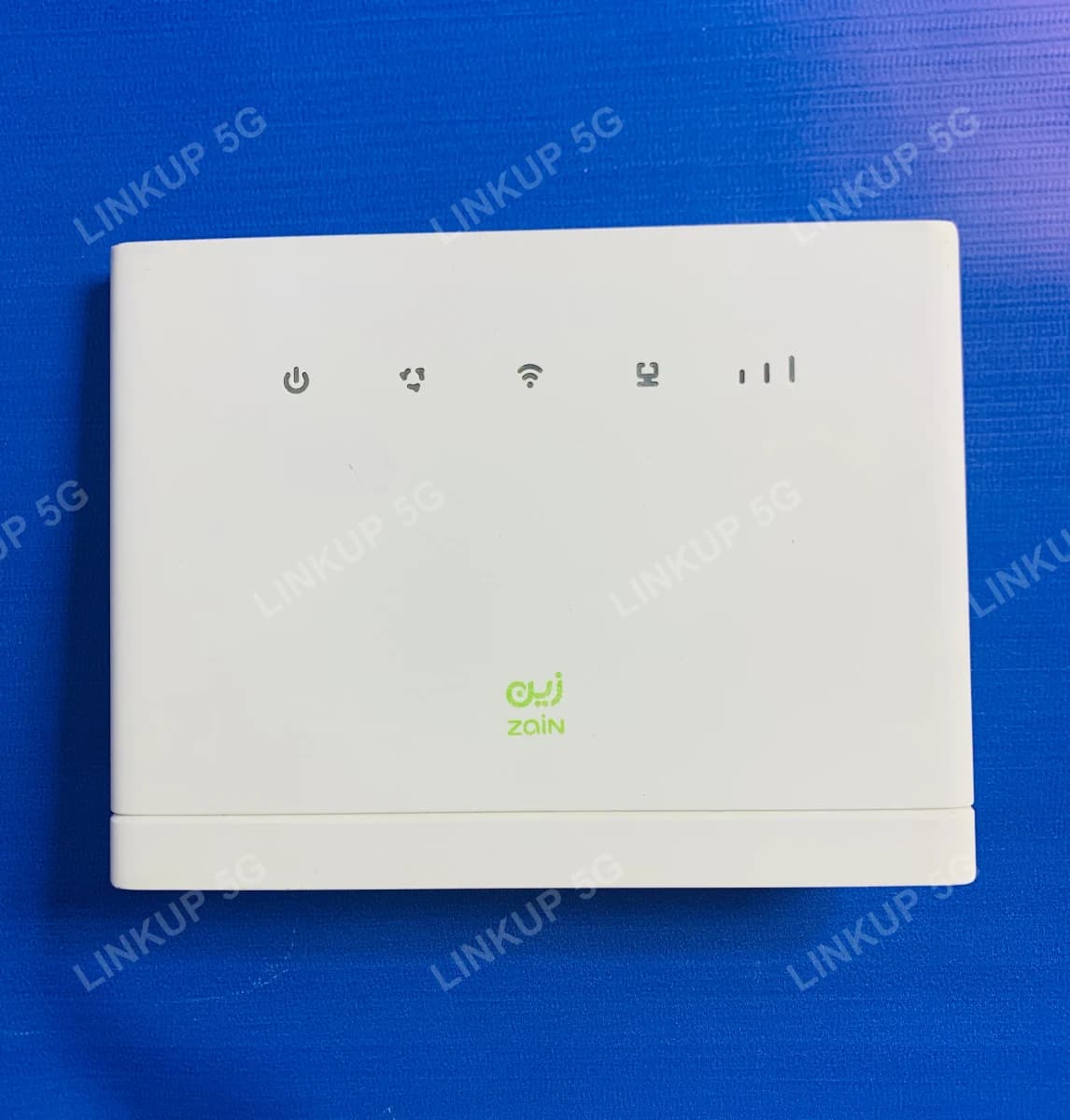
Huawei B315s 4G LTE Router
An affordable 4G LTE router with antenna ports built in for weak-signal areas.
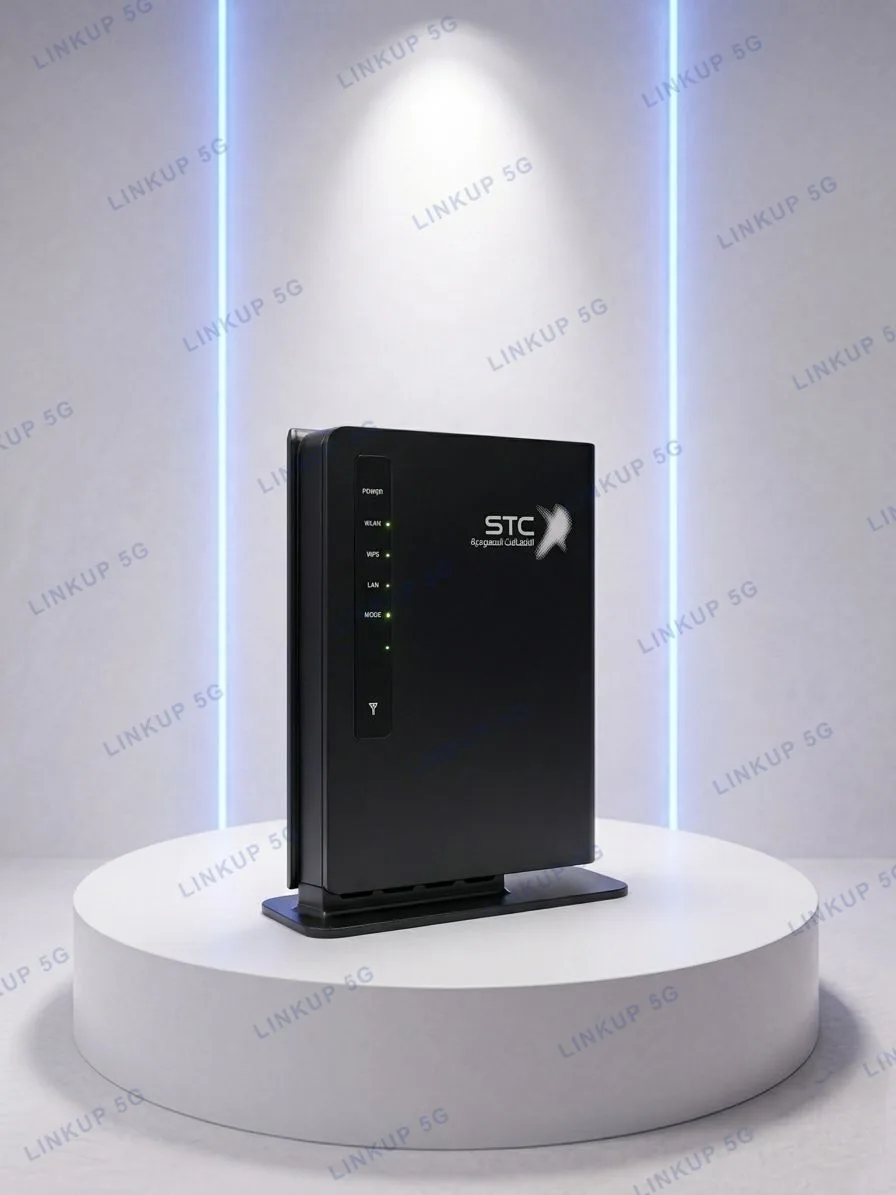
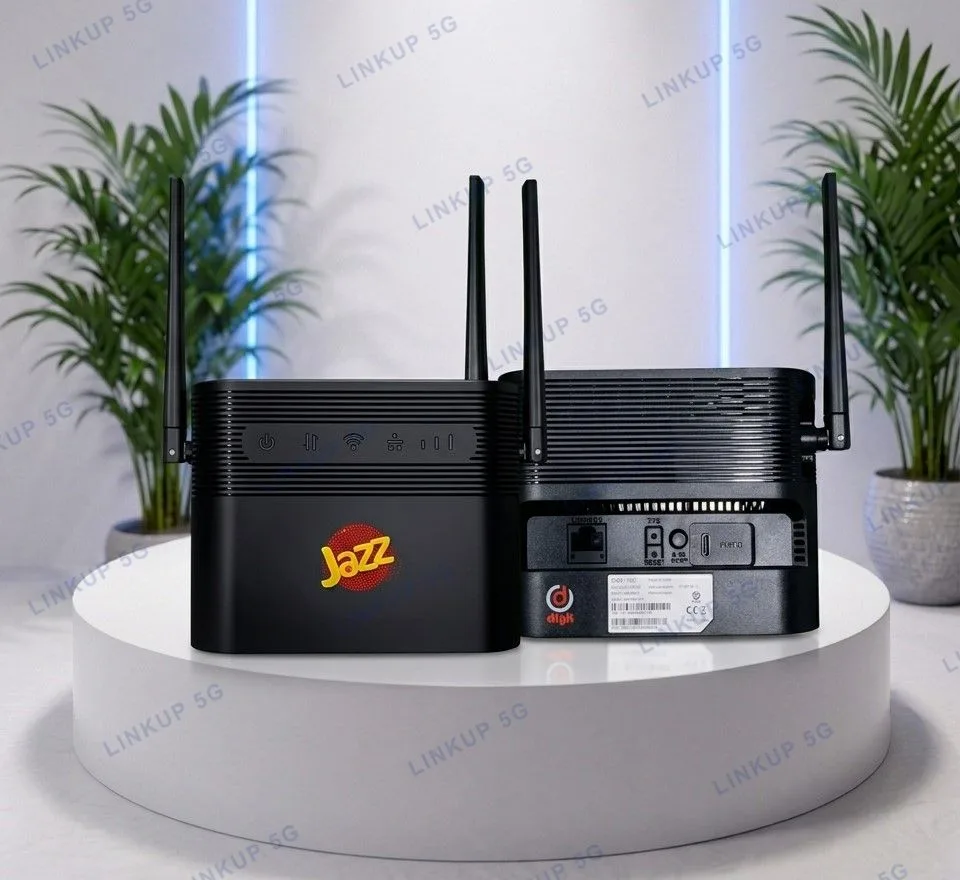
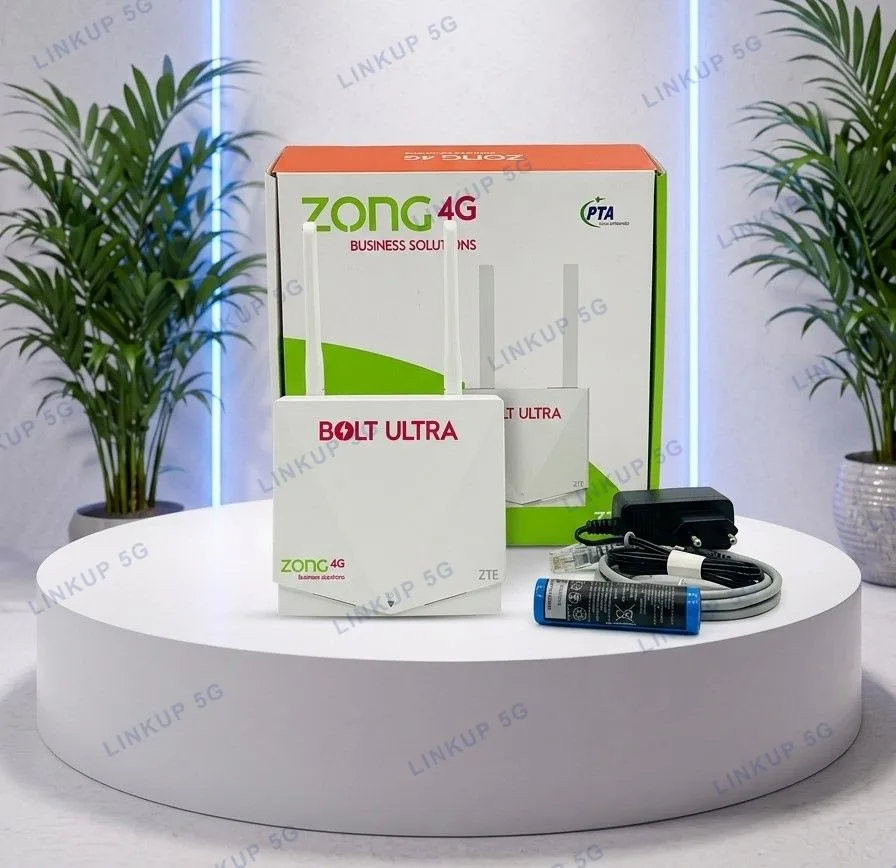
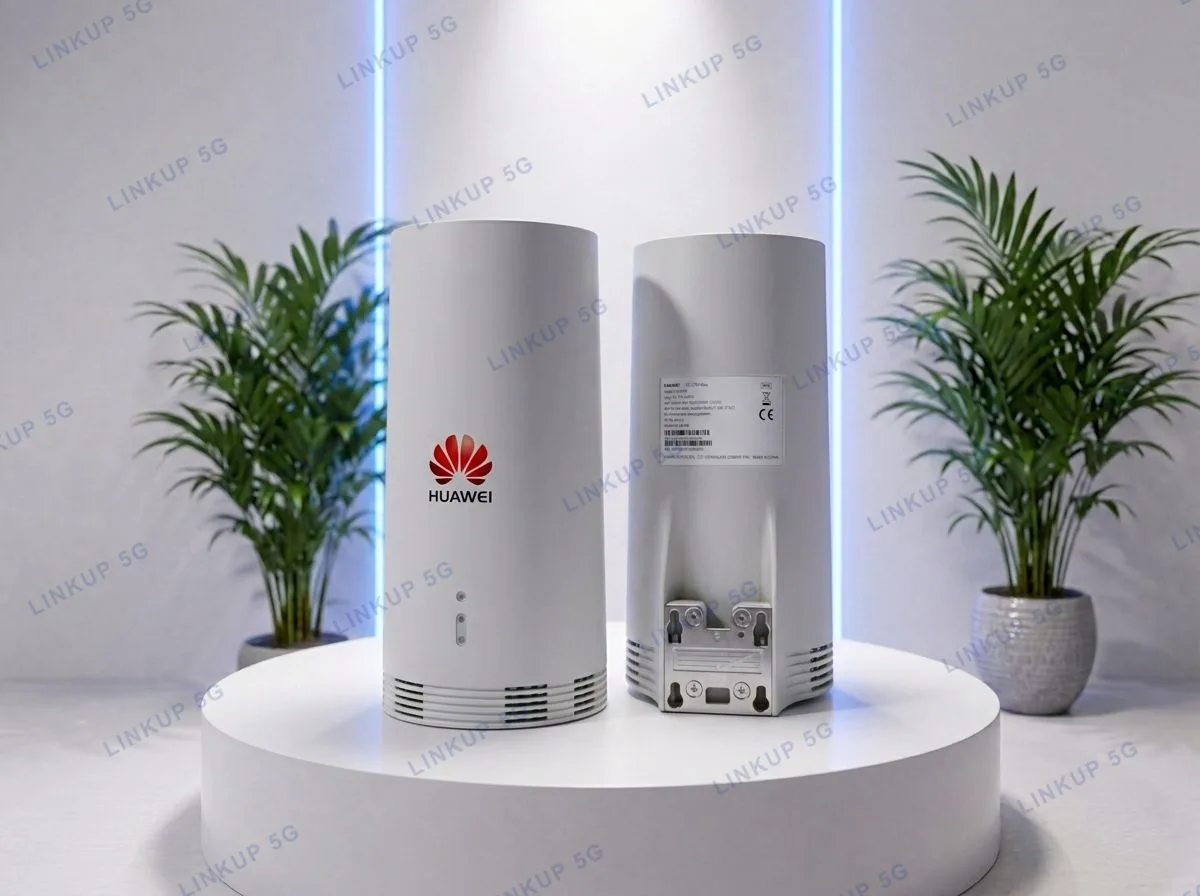
The B315s is a straightforward 4G router for the most common job: insert a SIM, plug it in, and get WiFi plus wired Ethernet for a home or small office. It skips the extras of newer routers, with no 5G and no WiFi 6, in exchange for a lower price and two external antenna connectors, which matter in areas where signal is inconsistent. It also has an RJ11 port for a landline-style phone over VoLTE, something most pocket WiFi devices don't offer. This is a genuine Huawei B315s, quality-checked and in like-new condition, which is part of why it's priced the way it is.
+ PKR 200 delivery charge, nationwide
Cash on Delivery
Best Quality
Genuine Products
Huawei B315s 4G LTE Router
PKR 8,500
A capable, affordable router for everyday home or office WiFi
If you need a standard 4G router where you insert a SIM, plug it in, and get WiFi and wired ports for the whole house or a small office, the B315s covers the basics without the price of a 5G or WiFi 6 device. Its two external antenna connectors are the main thing that sets it apart from a plain pocket hotspot: in a lower-signal area, attaching an external antenna can meaningfully improve reception where an indoor-only device would struggle. It's built for coverage and simplicity, not top-end speed: 4G LTE Cat4 tops out at 150 Mbps, and WiFi is single-band 2.4GHz rather than the dual-band WiFi 6 in newer routers.
Best For
- Home or small office WiFi where fiber isn't installed
- Areas with moderate-to-weak signal, where an external antenna can be added to the SMA ports
- Anyone needing a wired landline-style phone line via VoLTE alongside internet
- Budget-conscious buyers who don't need 5G or WiFi 6 speeds
Not Ideal For
- Households wanting 5G speeds, since this is 4G LTE Cat4 only, capped at 150 Mbps download
- Homes with several WiFi 6 devices needing dual-band 5GHz WiFi, since this router is single-band 2.4GHz
- Outdoor or weatherproof mounting, since it is an indoor desktop router with no outdoor rating
- Locations with no signal at all: antenna ports improve weak signal, but they cannot create signal where none exists
Specifications
- 4G LTE Cat4, up to 150 Mbps download / 50 Mbps upload
- WiFi 802.11 b/g/n, single-band 2.4GHz, up to 300 Mbps wireless
- Connects up to 32 WiFi devices simultaneously
- 4x Ethernet ports, configurable as LAN or WAN
- 1x USB 2.0 port for a printer or storage drive
- 1x RJ11 port for a landline-style telephone via VoLTE
- 2x external SMA antenna connectors for weak-signal areas
- Factory unlocked, works with any Pakistani SIM
- PTA type-approved, no separate registration needed
- Network
- 4G LTE Cat4
- Max Speed
- Up to 150 Mbps down / 50 Mbps up*
- WiFi Standard
- 802.11 b/g/n, single-band 2.4GHz, up to 300 Mbps*
- Max Connected Devices
- 32
- Ethernet
- 4x ports (LAN/WAN configurable)
- USB
- 1x USB 2.0 (storage/printer sharing)
- Phone Port
- 1x RJ11 (VoLTE voice calling)
- Antenna Ports
- 2x external SMA connectors
- SIM Slot
- 1x standard SIM
- Dimensions
- Approx. 139 x 186 x 46 mm
- Weight
- Approx. 275g
Speeds marked * are Huawei's manufacturer-rated maximums under ideal lab conditions, not an independent test result; real-world speed depends on distance from the tower, signal strength, and network congestion.
Network Compatibility
PTA type-approved and IMEI-registered, so it works immediately on Jazz, Zong, Ufone, or Telenor without a separate import registration. Runs on 4G LTE only, since there is no 5G modem in this device.
Setup Guide
- 1
Open the SIM tray on the back of the router and insert your SIM card.
- 2
Connect the included power adapter and switch the router on.
- 3
Wait for the signal bars on the front panel to light up, showing it has connected to the network.
- 4
Connect your devices to the WiFi name and password printed on the back label, or wire one in using any of the 4 Ethernet ports.
- 5
In a weak-signal area, attach an external antenna to either SMA port on the back to improve reception.
Questions About This 4G Router
Yes. The B315s is factory unlocked and PTA approved, so it works equally well with Jazz, Zong, Ufone, and Telenor SIMs.