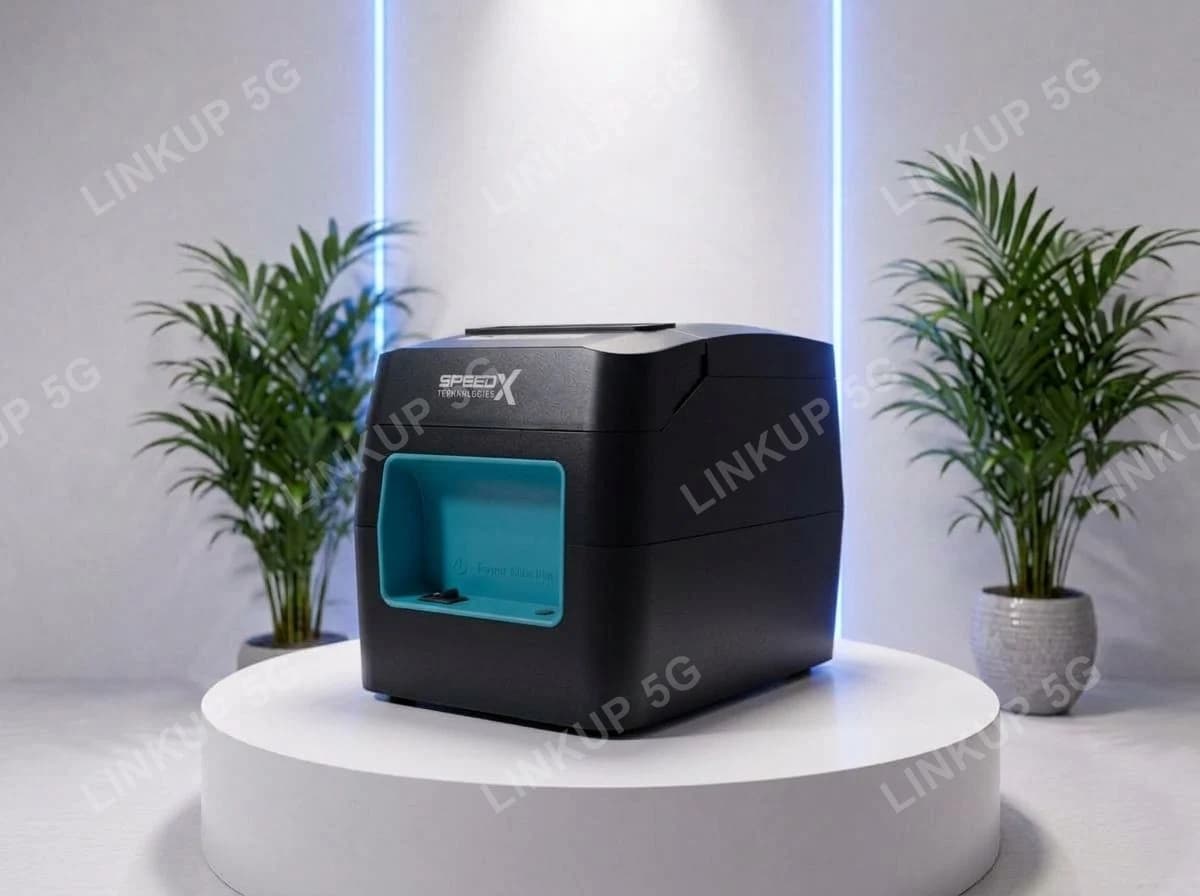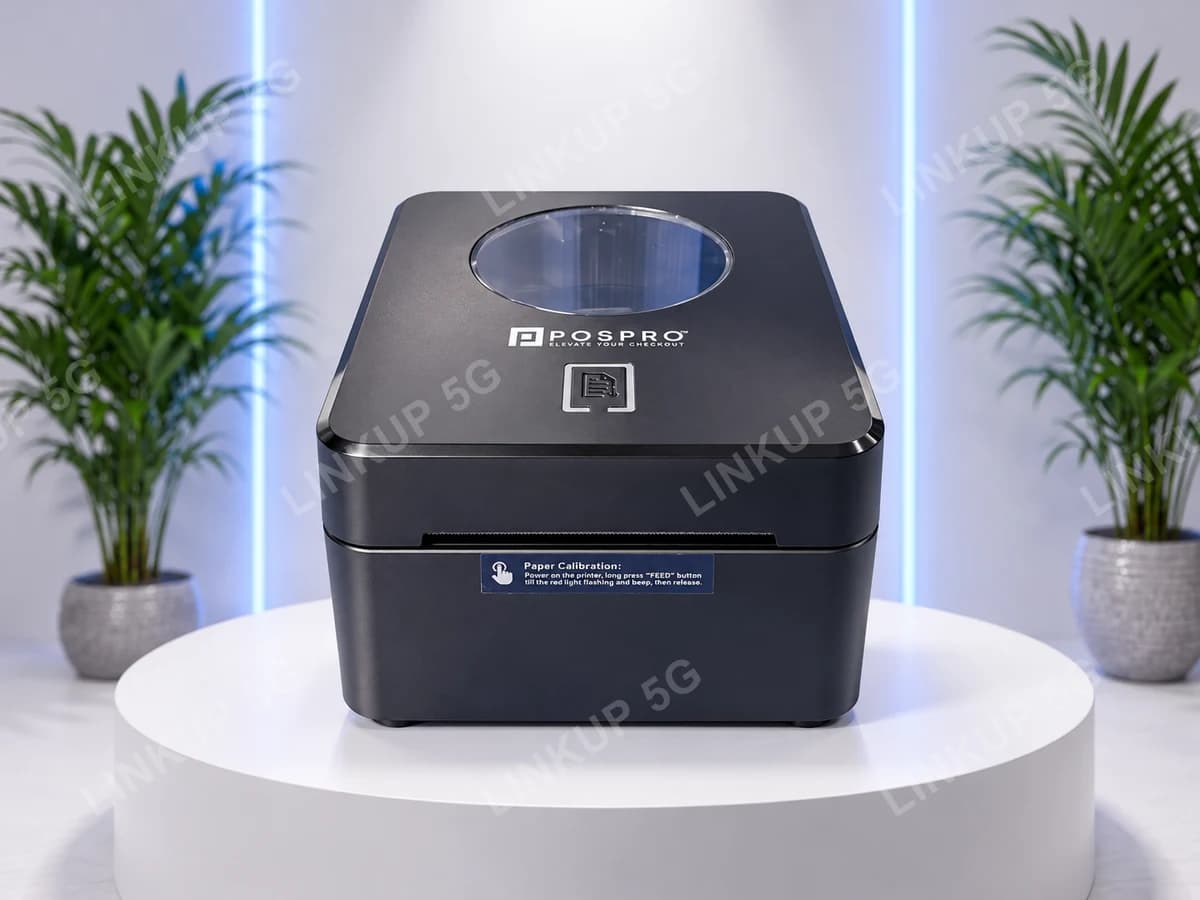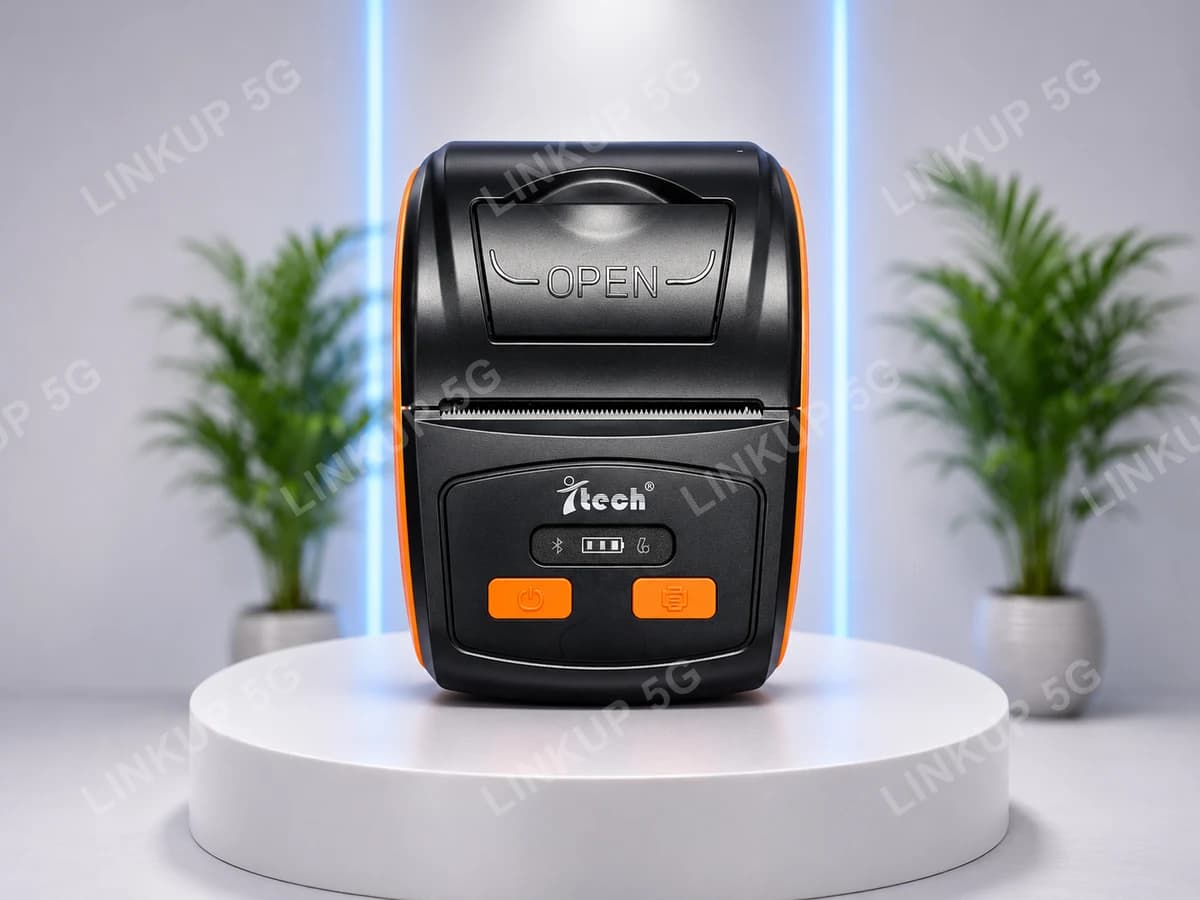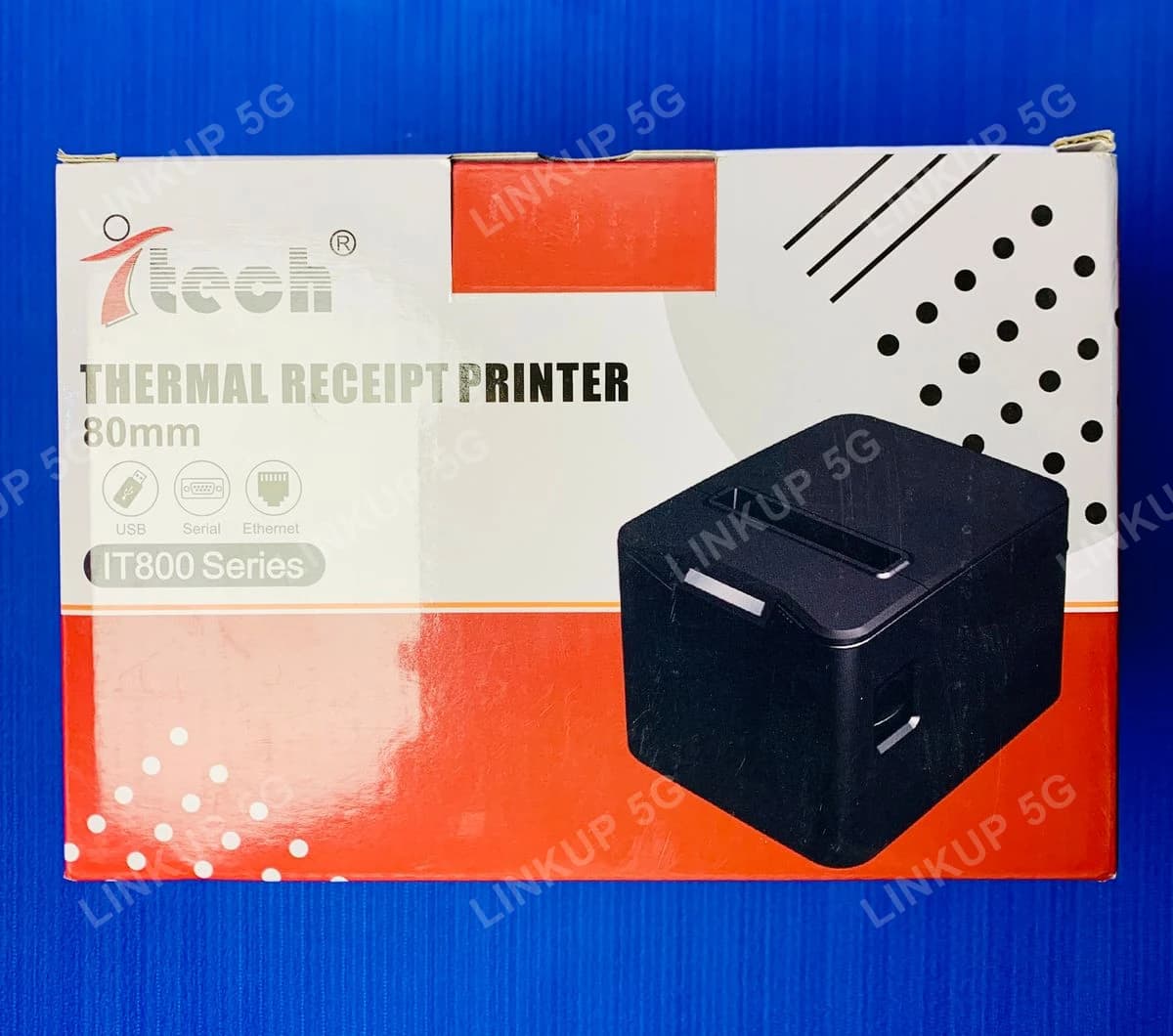
iTech IT800 Series 80mm Thermal Receipt Printer (USB, LAN, Cash Drawer)
An 80mm desktop receipt printer with auto-cutter, USB and LAN connectivity, and a cash drawer port, built for a counter that needs to print fast without slowing the line down.
This is a desktop receipt printer built to sit permanently at a billing counter and handle high-volume, back-to-back printing without fuss. Every receipt is cut automatically by a built-in cutter the moment it finishes printing, so staff are not pulling, tearing, or trimming paper between customers, and a busy line keeps moving. It connects over USB for a single-till setup, or over LAN (Ethernet) so one printer can sit on the shop network and print for a till system or multiple connected computers without being plugged into just one of them. A dedicated cash drawer port lets it trigger a compatible cash drawer to pop open automatically the moment a sale is rung up, a standard feature in real retail counters that a basic receipt printer without this port cannot do. It is a mains-powered desktop printer, not a battery or portable unit: it stays plugged in at the counter it serves, which is the right trade for a till that prints constantly all day rather than moving around.
+ PKR 250 delivery charge, nationwide
Cash on Delivery
Best Quality
Genuine Products
iTech IT800 Series 80mm Thermal Receipt Printer (USB, LAN, Cash Drawer)
PKR 7,500
A busy counter where torn, slow, or jammed receipts hold up every customer
A receipt printer without an auto-cutter means someone is pulling and tearing paper by hand for every single sale, which slows the line and looks unprofessional when the tear is crooked. A printer with no network port means it can only serve the one computer it's plugged into, which breaks down the moment a shop adds a second till or wants one printer for the whole counter. The IT800 Series cuts every receipt automatically, connects over USB for a single till or LAN for a shared network setup, and has a dedicated cash drawer port so the drawer pops open the moment a sale closes, the kind of setup a real retail counter needs, not an afterthought accessory.
Best For
- Shop counters, restaurants, and retail tills printing receipts all day, every day
- POS setups that want to trigger a cash drawer automatically when a sale is rung up
- Counters sharing one printer over a network (LAN) instead of plugging it into a single computer
- Setups that want every receipt cut automatically, not torn off by hand
Not Ideal For
- Riders, van sales, or mobile vendors who need to carry the printer with them (see the iTech 58mm Portable Thermal Printer instead)
- Counters that specifically want Bluetooth or WiFi instead of a wired USB/LAN connection, both printers have an auto-cutter and cash drawer port, so see the Speed-X SP-90A for the wireless option
- Printing on plain A4 paper or documents, since this only prints on 80mm thermal receipt rolls
- Buyers who specifically need an official manufacturer warranty, since none is stated here
Specifications
- Direct thermal line printing, 203 DPI resolution
- Built-in automatic paper cutter, cuts every receipt without manual tearing
- Connects over USB or LAN (Ethernet) for a networked till setup
- Dedicated cash drawer port to trigger a compatible drawer automatically
- FEED button with status light for manual paper feed and status checks
- Mains-powered desktop design, built to stay on the counter it serves
- Print Method
- Direct thermal line printing
- Resolution
- 203 DPI
- Paper Width
- 80mm thermal roll
- Paper Cutter
- Built-in automatic cutter
- Connectivity
- USB, LAN (Ethernet)
- Cash Drawer Port
- Yes, dedicated RJ-style drawer-kick port
- Power
- External AC adapter, DC input, physical power switch
- In the Box
- Printer, power adapter, USB cable, starter thermal paper roll
This printer's connectivity (USB, LAN, cash drawer port) is confirmed directly from LinkUp's own unit and its labeled rear port panel, which is the stronger evidence used here over the retail box's own icon strip (the box also shows a serial-port icon, but no serial port is visible anywhere on this unit). Print speed, exact paper width tolerance, print head life, and auto-cutter cut-life are not stated because no verified source, box, unit, or manufacturer documentation states them for this specific model; confirm these details with LinkUp before ordering if they are critical for your setup. No warranty term is stated for this product.
Setup Guide
- 1
Open the printer lid and load an 80mm thermal paper roll, matching the feed direction shown inside.
- 2
Connect the power adapter, then switch the printer on using the rear power switch.
- 3
For USB: connect the USB cable to your POS computer and install the printer in your billing software.
- 4
For LAN: connect an Ethernet cable to your shop network and set up the printer's network address in your POS or printer software.
- 5
If using a cash drawer, connect its cable to the CASH port on the back of the printer.
- 6
Print a test receipt to confirm the connection, auto-cutter, and (if connected) cash drawer are all working.
Questions About This Printers
Yes, it has a built-in automatic cutter that cuts each receipt the moment it finishes printing, so staff never need to tear paper by hand between customers.