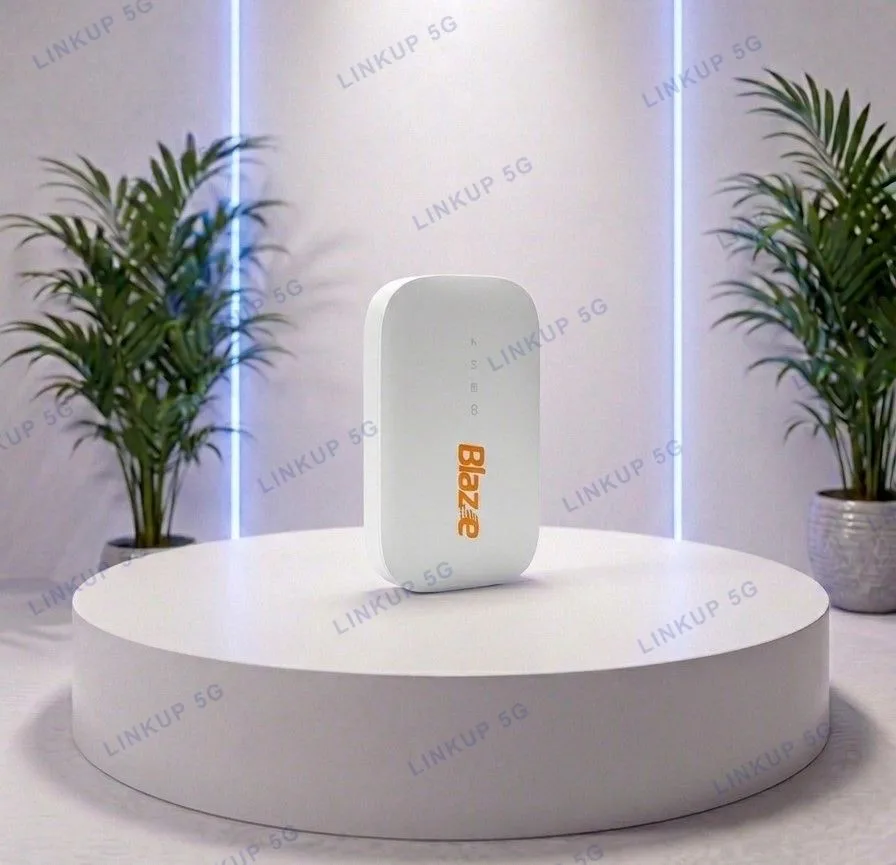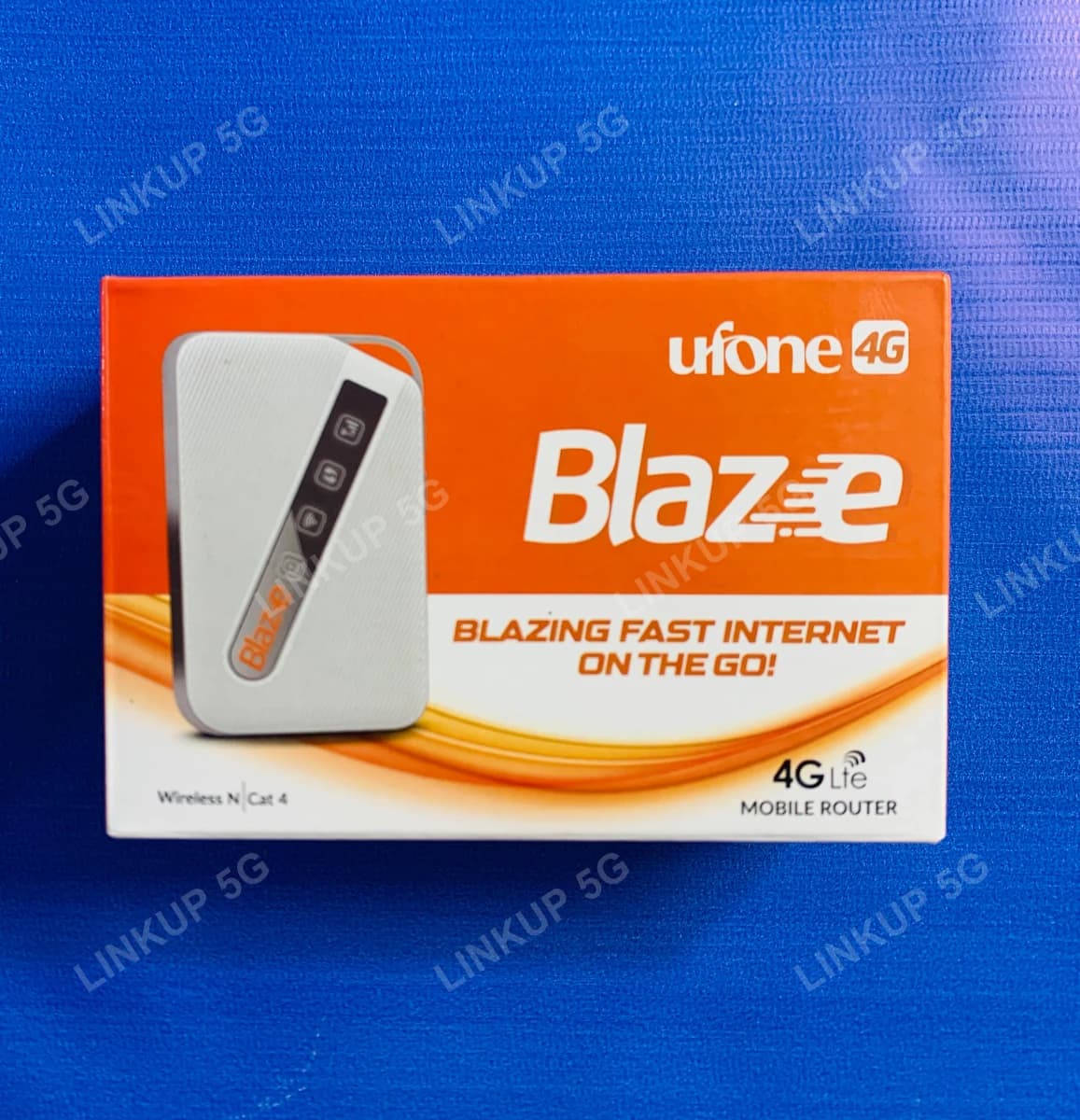
Ufone Blaze DWR-930M Pocket WiFi
Genuine D-Link hardware in a pocket hotspot: 12-hour battery, any Pakistani SIM.
The DWR-930M is genuine D-Link hardware, sold in Pakistan under Ufone's Blaze retail branding, the same way our E5172 router carries leftover STC branding and our Aurora C150 carries Omantel branding underneath. What that means for you: a properly engineered mobile hotspot, not a generic whitebox, with a 3000mAh battery D-Link rates for up to 12 hours of continuous use, noticeably longer than our smaller pocket WiFi options. Insert any Pakistani SIM, power it on, and it shares 4G over WiFi to up to 8 devices, with four LED indicators (signal, WPS, WiFi, battery) instead of a screen.
+ PKR 200 delivery charge, nationwide
Cash on Delivery
Best Quality
Genuine Products
Ufone Blaze DWR-930M Pocket WiFi
PKR 7,500
A pocket hotspot built to last through a full day, not just a few hours
If shorter battery life is the thing that's put you off a pocket WiFi device before, the DWR-930M's 3000mAh battery is the main reason to pick it over a smaller unit: D-Link rates it for up to 12 hours of continuous use, roughly three times what our smallest pocket WiFi offers. It's still a 4G LTE Cat4 device with single-band 2.4GHz WiFi, so it isn't built to replace a home router for a full household, but for a full day of portable use, such as travel, fieldwork, or a long shift away from a wall outlet, it covers more ground on one charge than most pocket hotspots in this catalog.
Best For
- A full day of portable use away from a charger: field work, travel, long shifts
- Anyone who has found smaller pocket WiFi devices run out of battery too quickly
- Short trips where a full router is unnecessary weight
- Buyers who want one hotspot that works no matter which network SIM they switch in
Not Ideal For
- Households with more than 8 devices or heavy simultaneous streaming, since both battery and bandwidth are limited
- Rooms with weak indoor signal: there are no external antenna ports, so reception depends on placement
- Wired setups: it is WiFi only, with no Ethernet port
- Buyers needing 5G or WiFi 6 speeds: this is 4G LTE Cat4 with single-band WiFi N
Specifications
- 4G LTE Cat4, up to 150 Mbps download / 50 Mbps upload*
- 802.11 b/g/n WiFi, 1x2 MIMO with 2 internal antennas
- Connects up to 8 WiFi devices at once
- 3000mAh Poly Li-ion battery, rated for up to 12 hours continuous use*
- 4 LED indicators: signal strength, WPS, WiFi status, battery level
- Built-in firewall with WPA/WPA2 security
- Factory unlocked, works with any Pakistani SIM
- PTA type-approved, no separate registration needed
- Charges via Micro-USB
- Network
- 4G LTE Cat4
- Max Speed
- Up to 150 Mbps down / 50 Mbps up*
- LTE Bands
- B1/B3/B7/B8/B20/B38/B40/B41 (FDD/TDD)
- WiFi Standard
- 802.11 b/g/n, 1x2 MIMO, 2 internal antennas
- Max Connected Devices
- 8
- Battery
- 3000mAh Poly Li-ion, up to 12 hours use*
- Charging
- Micro-USB
- Indicators
- 4 LEDs: signal, WPS, WiFi, battery
- Security
- WPA/WPA2 with built-in firewall
- SIM Slot
- 1x standard SIM (USIM)
- Dimensions
- Approx. 103 x 63 x 13.35 mm
Values marked * are D-Link's manufacturer-rated maximums under ideal conditions, not an independent test result. Real-world speed and battery life depend on signal strength, number of connected devices, and network congestion.
Network Compatibility
Runs on 4G LTE only: there is no 5G modem in this device. Despite the Ufone Blaze retail branding, it is genuine D-Link DWR-930M hardware sold unlocked, and works on Jazz, Zong, Ufone, and Telenor SIMs anywhere those networks have 4G coverage. PTA type-approved, so it registers on any network without a separate import fee.
Setup Guide
- 1
Slide off the back cover and insert your SIM card into the USIM slot.
- 2
Fit the battery and press and hold the power button until the LED indicators light up.
- 3
Check the WiFi name and password printed on the label under the back cover.
- 4
Connect your phone or laptop to that WiFi network.
- 5
Open a browser, and you should be online within a few seconds, with no separate setup app required.
Questions About This Pocket WiFi
It's genuine D-Link DWR-930M hardware: Ufone's Blaze branding on the box is a retail relationship, not a different or lesser device. The same pattern shows up elsewhere in our catalog: our E5172 router carries leftover STC branding, and our Aurora C150 carries Omantel branding, both genuine hardware from their original OEM.